What Is a Thermal Shipping Label Printer?
What is a thermal shipping label printer? Learn how it works, why sellers use one, and whether it makes sense for your shipping setup.
June 27, 2026
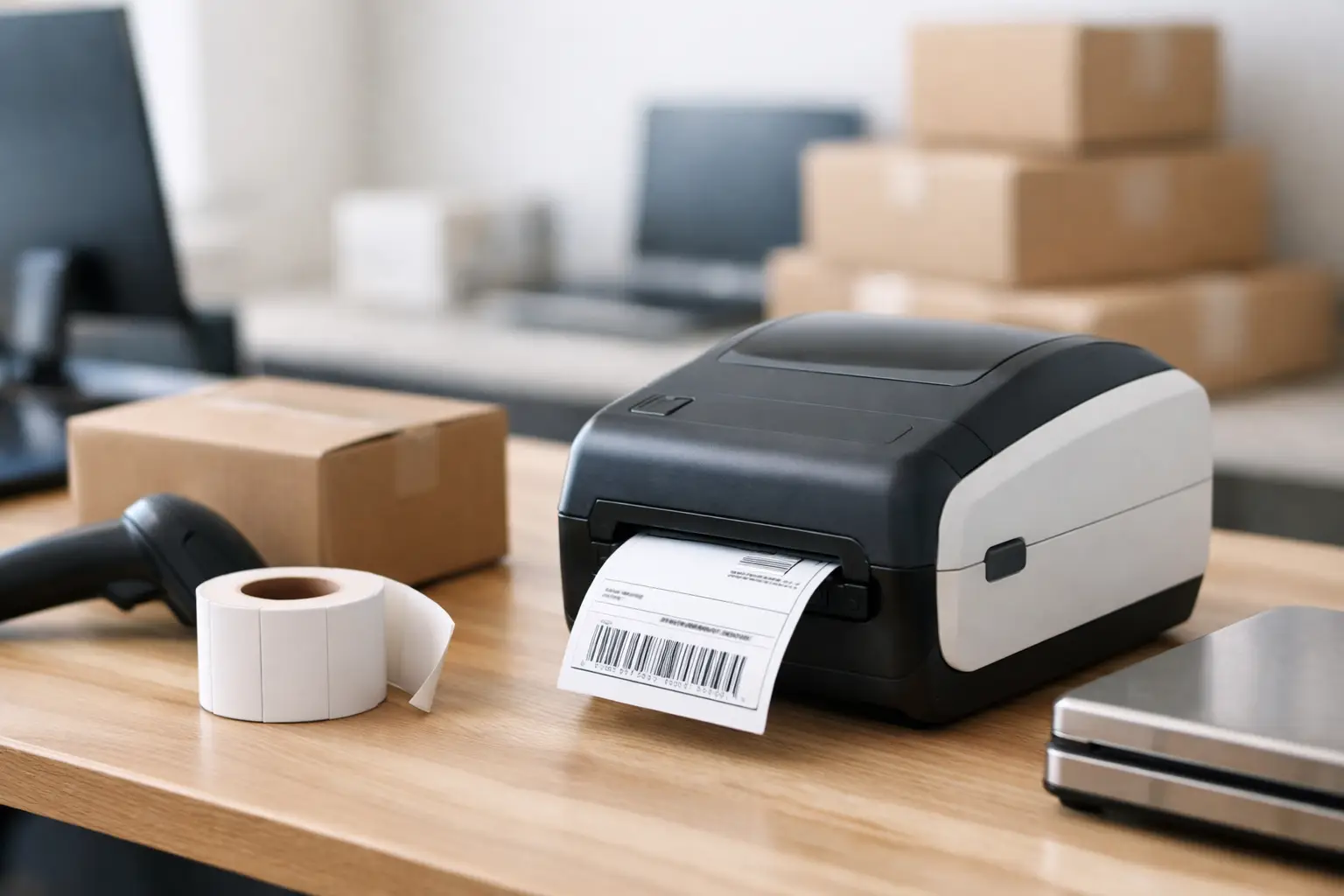
If you're still taping regular printer paper to boxes and hoping the barcode scans on the first try, yeah - there’s a better way. What is a thermal shipping label printer? It’s a printer built specifically to print shipping labels using heat instead of ink or toner, which means faster labels, less mess, and one less supply headache eating into your margins.
For ecommerce sellers, warehouse teams, and anyone printing labels every day, this little machine can quietly save a stupid amount of time. It’s not flashy. It won’t make your coffee. But it will crank out clean, readable labels without the ink-cartridge drama.
What is a thermal shipping label printer and how does it work?
A thermal shipping label printer prints by applying heat to special label material. Instead of spraying ink onto paper like an inkjet printer or using toner like a laser printer, it creates the image through heat. That image is your shipping label - address, barcode, tracking number, service type, the whole deal.
There are two main ways thermal printers do this. Direct thermal printers use heat-sensitive labels that darken when the printhead heats them. Thermal transfer printers use a heated ribbon that transfers ink onto the label surface.
For most online sellers printing standard carrier labels, direct thermal is the common choice. It’s simpler, usually cheaper to run, and perfect for labels that only need to survive the shipping trip. Thermal transfer is more common when labels need extra durability, like long-term warehouse storage, outdoor exposure, or rough industrial conditions.
That distinction matters because not every seller needs the heavy-duty option. If you're shipping products to customers and the label only needs to last a few days in transit, direct thermal usually does the job just fine.
Why sellers switch to thermal label printers fast
The first reason is speed. A thermal printer is built for labels, so it doesn’t pause to think about paper trays, page formatting, or whether your document margins are having a personal crisis. You hit print, and out comes a label.
The second reason is cost control. A standard printer sounds cheaper at first because you may already own one. But once you factor in ink, toner, paper, tape, misprints, and the general nonsense of using office equipment for shipping operations, the math gets ugly. Thermal printers cut out ink and toner completely.
The third reason is reliability. Shipping labels need sharp barcodes and clear text. If a barcode prints fuzzy, gets smudged, or fades weirdly, carriers may have trouble scanning it. That creates delays, manual corrections, and customer emails nobody wants to answer.
A good thermal label printer gives you consistent output built for one job. That job is getting a package from point A to point B without label-related chaos.
The real difference between thermal and regular printers
A regular desktop printer can print labels. That doesn’t mean it should be your shipping workhorse.
Inkjet printers are notorious for drying out, running low at the worst time, and making you replace a color cartridge when all you wanted was black text on a label. Laser printers are cleaner and often sharper, but they’re still general-purpose machines. You’re dealing with full-sheet labels or paper, cutting, alignment issues, and extra handling.
Thermal shipping label printers are purpose-built. They print on label rolls or stacks, usually in the standard 4 x 6 format used by major carriers. That means no taping paper to boxes, no wasted half-sheets, and no wrestling with printer settings every time your packing station gets busy.
If you ship once a week, maybe your regular printer survives the job. If you ship every day, the convenience gap gets real fast.
What is a thermal shipping label printer used for?
Mostly, it’s used for printing carrier-compliant shipping labels for USPS, UPS, FedEx, and other shipping services. That includes the scannable barcode, ship-to and return addresses, tracking details, and service information carriers need to move the package through their network.
But that’s not the whole story. Many businesses also use thermal printers for return labels, packing labels, bin labels, barcode labels, shelf tags, and internal workflow labels. If your operation touches inventory, order routing, or fulfillment, thermal printing tends to creep into more places once you realize how much easier it makes repetitive tasks.
That said, shipping labels are where most merchants start. They want something fast, clean, and dependable at the packing table. Thermal printers earn their keep there almost immediately.
Direct thermal vs. thermal transfer
If you're buying your first unit, this is the only technical fork in the road that really matters.
Direct thermal
Direct thermal printers use heat-sensitive labels and no ribbon. Fewer supplies, fewer moving parts, less hassle. For ecommerce shipping, this is usually the sweet spot. Labels print fast, setup is simple, and the ongoing cost is mostly just the labels themselves.
The trade-off is durability. Heat-sensitive labels can fade over time, especially if exposed to heat, sunlight, or abrasion. For standard parcel shipping, that’s rarely a dealbreaker. The label just needs to stay readable long enough to get delivered.
Thermal transfer
Thermal transfer printers use a ribbon that melts onto the label material. The result is a more durable print that holds up better under harsh conditions.
The trade-off here is complexity and cost. You need ribbons in addition to labels, and the printer setup can be a bit more involved. If you're a typical online seller printing outbound labels, this can be overkill. If you run industrial inventory systems or need labels that last for months or years, it makes more sense.
Who actually needs one?
If you ship more than a handful of orders each week, a thermal shipping label printer starts making sense. If you’re shipping dozens or hundreds, it stops being a nice-to-have and starts looking like basic equipment.
This is especially true for marketplace sellers, Shopify stores, resellers, subscription box businesses, and fulfillment teams. Any operation where speed matters and labor costs are real will feel the difference. Even solo sellers benefit because every minute spent fixing label issues is a minute not spent sourcing, marketing, or packing the next order.
On the other hand, if you ship one package every other Friday and your regular printer is already doing the job, you may not need to rush out and buy one tomorrow. The upgrade makes more sense when shipping becomes routine, not occasional.
What to look for before you buy
Don’t get distracted by shiny specs you’ll never use. For most sellers, the practical stuff matters more.
Print resolution should be high enough for clean barcodes, but most shipping label printers already cover that. Connectivity matters more - USB is common, while Bluetooth or Wi-Fi can help if your packing station setup is flexible or tight on space. Label compatibility matters too, especially if you want standard 4 x 6 labels without weird proprietary supplies.
You should also think about workflow. If you buy labels through shipping software, make sure the printer works smoothly with your setup. A printer is only useful if it plays nice with the tools you already use to compare rates, buy postage, and print labels quickly.
And yes, media cost matters. Some printers are cheap upfront but annoyingly expensive if they push you into special label formats or branded supplies. No BS - the cheap printer is not actually cheap if it turns every refill into a tax on your operation.
Common myths about thermal shipping label printers
One myth is that thermal printers are only for big warehouses. Not true. Plenty of home-based sellers use them because they save time and reduce clutter.
Another myth is that thermal printers are complicated. Most are easier to set up than a regular office printer. Fewer consumables means fewer things to troubleshoot.
The last big myth is that they’re expensive. Some are, sure. But many are affordable enough that the savings in ink, tape, paper, and wasted time can justify the cost pretty quickly if you ship regularly.
Is a thermal shipping label printer worth it?
Usually, yes - if shipping is part of your business, not just a random task.
A thermal printer won’t lower carrier rates by itself. It won’t fix bad packaging choices or choose the cheapest service for you. What it does is remove friction from the label-printing part of the process. That means faster packing, cleaner labels, fewer supply headaches, and less wasted motion.
Pair that with software that lets you compare rates and buy labels in one place, and now you’re actually building a shipping workflow instead of patching one together. That’s where the payoff gets real.
If your current system involves scissors, tape, ink warnings, and minor emotional damage, a thermal shipping label printer is probably the upgrade your shipping station has been begging for. Start with what you actually ship, how often you ship it, and how much hassle you’re willing to tolerate. Your answer is probably sitting right there on the packing table.
