Shipping Software Versus Carrier Websites
Shipping software versus carrier websites: see where each wins, where money leaks, and how growing merchants can ship faster for less on every order, daily.
August 13, 2026
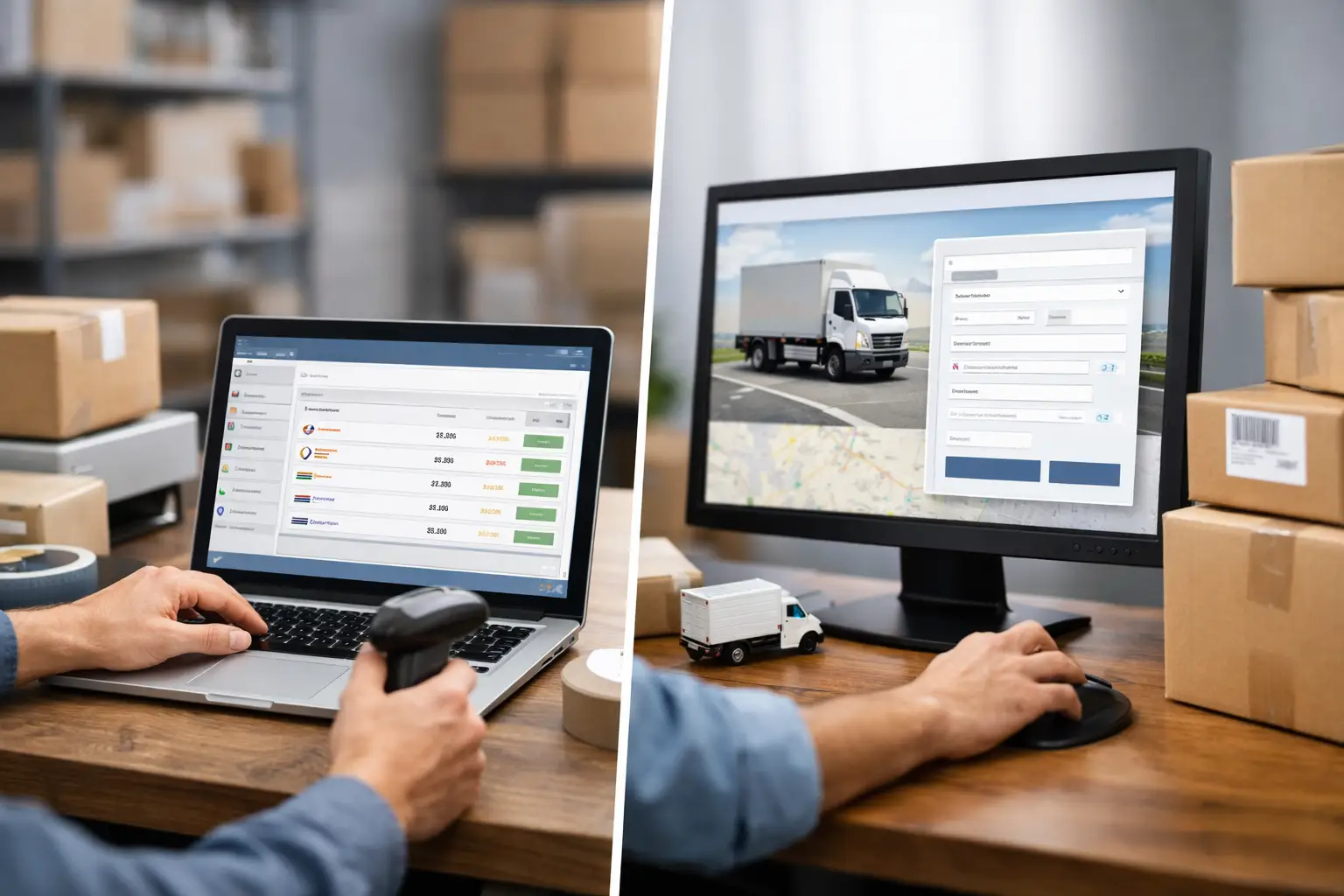
Your customer placed the order three minutes ago. Now you are toggling between USPS, UPS, and FedEx tabs, retyping an address, checking prices, and wondering why the cheapest option is hiding in a different browser window. That is the real-world difference in shipping software versus carrier websites. One approach gets a label printed. The other helps you run shipping like it is part of the business, not a daily scavenger hunt.
Carrier websites are not bad. They are built to sell that carrier's services, and they do that job just fine. But if you ship across carriers, fulfill more than a handful of orders, or care about protecting margin, a single-carrier workflow gets old fast.
Shipping Software Versus Carrier Websites: What Changes?
The biggest difference is not whether you can buy a label. You can do that either way. The difference is what happens before and after you click Buy.
A carrier website gives you a direct path to that carrier's rates, label tools, tracking, and account features. If every package goes through one carrier, your shipping volume is low, and you already know exactly which service you need, it can be perfectly reasonable. A local seller sending a few USPS packages each week may not need a command center for postage.
Shipping software puts multiple carrier options in one place. Instead of opening separate sites to see what USPS, UPS, and FedEx will charge, you compare eligible rates on one screen. You select the service that fits the order, print the label, and keep moving.
That sounds simple because it is. And simple matters when you are packing orders at 4:45 p.m. while your pickup cutoff is coming in hot.
Carrier websites show their lane
Each carrier has its own website, account setup, service rules, billing logic, label flow, and interface. That is expected. USPS is selling USPS shipping. UPS is selling UPS shipping. FedEx is selling FedEx shipping.
The issue comes when the best option changes from package to package. A lightweight poly mailer may favor one carrier. A heavier box traveling across the country may favor another. A time-sensitive order may need an upgraded service. If you only check one carrier at a time, you are making decisions with part of the picture.
And partial visibility is where postage overspending loves to hang out.
Shipping software shows the choices
A multi-carrier platform is built for comparison. You enter the shipment details once, see available services and prices, then choose based on cost, delivery speed, or the preferences you set for your operation.
That does not mean the cheapest rate should win every time. Your customer may have paid for faster delivery. A fragile item may need a service with a better fit for its destination and value. Some sellers prefer one carrier for specific zones or package types. The point is control. You get to make the call with the relevant options in front of you.
Where Carrier Websites Still Make Sense
No BS: carrier websites are not automatically the wrong move. They can be the cleanest option in a few situations.
If you ship exclusively with one carrier, have a small number of shipments, and do not mind manually entering order details, going direct may be enough. The same is true if a customer requires you to use a specific carrier account or if your shipping process is unusually specialized.
Direct carrier accounts can also matter for businesses with deeply negotiated contracts, complex enterprise requirements, or dedicated carrier support arrangements. Shipping software should complement the operation, not bulldoze a setup that is already producing great results.
But many merchants assume they are too small for software when the opposite is true. Small teams feel the pain of repetitive admin work the most because the owner is often the warehouse team, customer service desk, and bookkeeper all at once. Saving a few minutes per order is not glamorous. It is still real money.
The Cost Question Is Bigger Than Postage
Comparing shipping prices is the obvious benefit of software. The less obvious benefit is reducing all the tiny costs wrapped around shipping.
Manual carrier workflows create repeat tasks: copying customer addresses, selecting package details, confirming services, downloading labels, updating order statuses, and keeping records straight. Any one of those steps seems harmless. Stack them across 20, 50, or 200 shipments, and you have built yourself a part-time job nobody asked for.
Then there are mistakes. A mistyped address, wrong package weight, duplicate label, or missed cutoff can create a refund, reshipment, support ticket, or unhappy buyer. Software cannot stop every shipping problem, because people still have to measure the box correctly, Dude. But it can reduce the number of places where errors sneak in.
Pricing matters too. Retail carrier rates and the rates available through a shipping platform are not always the same. Depending on the carrier, service, package, and plan, software may provide access to discounted rates that are difficult for a smaller shipper to get on their own. Always compare the actual checkout price for your shipments. “Discount” is only useful when it lowers what you pay.
Watch the software fees with the same energy. A cheap-looking label can get less cute when monthly subscriptions, per-label charges, account minimums, or expiring balances pile on. Read the fine print before you move your workflow. The Shipping Dude, for example, is designed around straightforward plans, including a free entry option for merchants who do not need another monthly bill just to print a label.
Speed Is a Margin Tool, Not a Nice-to-Have
Fast fulfillment is not only about getting packages out the door. It is about making your business easier to operate when volume spikes.
Carrier websites usually require you to process shipments one at a time within that carrier's environment. That may be fine for five orders. It gets clunky when a sale, marketplace bump, or holiday rush drops 75 orders in your lap.
Shipping software can centralize orders, save package presets, reuse sender information, create labels in batches, and connect with selling channels. The exact features vary by platform and plan, so check what is included before committing. But the operational advantage is straightforward: fewer clicks, fewer tab hops, and less time spent doing the same thing again.
For teams, centralization also means fewer mysteries. Instead of asking who bought a label, which carrier was used, or where the tracking number went, the shipping activity lives in one system. That is especially helpful once more than one person is touching fulfillment.
Do not confuse convenience with autopilot
Software makes decisions easier. It should not make them invisible.
You still need accurate weights and dimensions. You still need to understand dimensional weight, service restrictions, insurance needs, hazardous-material rules, and delivery expectations. You still need a packing process that keeps products safe. A rate comparison screen cannot rescue a candle shipped in a box big enough for a microwave.
The best setup gives you speed without making you careless. Create sensible presets, review unusual orders, and periodically check whether your default service is still the best fit. Carrier pricing and service performance can change. Your workflow should be able to change with them.
How to Choose Without Overthinking It
Start with your actual shipping week, not a fantasy version of your business. Pull a sample of recent orders and look at package weights, dimensions, destinations, carrier mix, and service levels. Then ask a few blunt questions.
Are you checking more than one carrier before buying labels? Are you re-entering order details? Do you spend enough time shipping that it delays customer support, sourcing, or growth work? Are you paying recurring software fees that make no sense for your volume? Do you need batch tools, store connections, branded tracking, or multiple team members?
If the answer to most of those is no, a carrier website may be all you need right now. Keep it simple and do not buy features just because a dashboard looks fancy.
If the answer is yes, centralized shipping software is likely worth testing. Prioritize transparent pricing, real carrier comparisons, the services you use most, and a workflow your team can learn in an afternoon. Avoid platforms that make rate visibility feel like a treasure map or lock basic shipping functions behind a pile of add-ons.
The right choice is the one that gives you a clean label, a sensible rate, and more time to sell the stuff that pays the bills. Start there, then let your shipping setup grow only as complicated as your business truly needs.
