Shipping Software That Cuts Postage Costs Fast
Shipping software helps online sellers compare rates, print labels, and stop overpaying for every package without adding another monthly headache today.
August 29, 2026
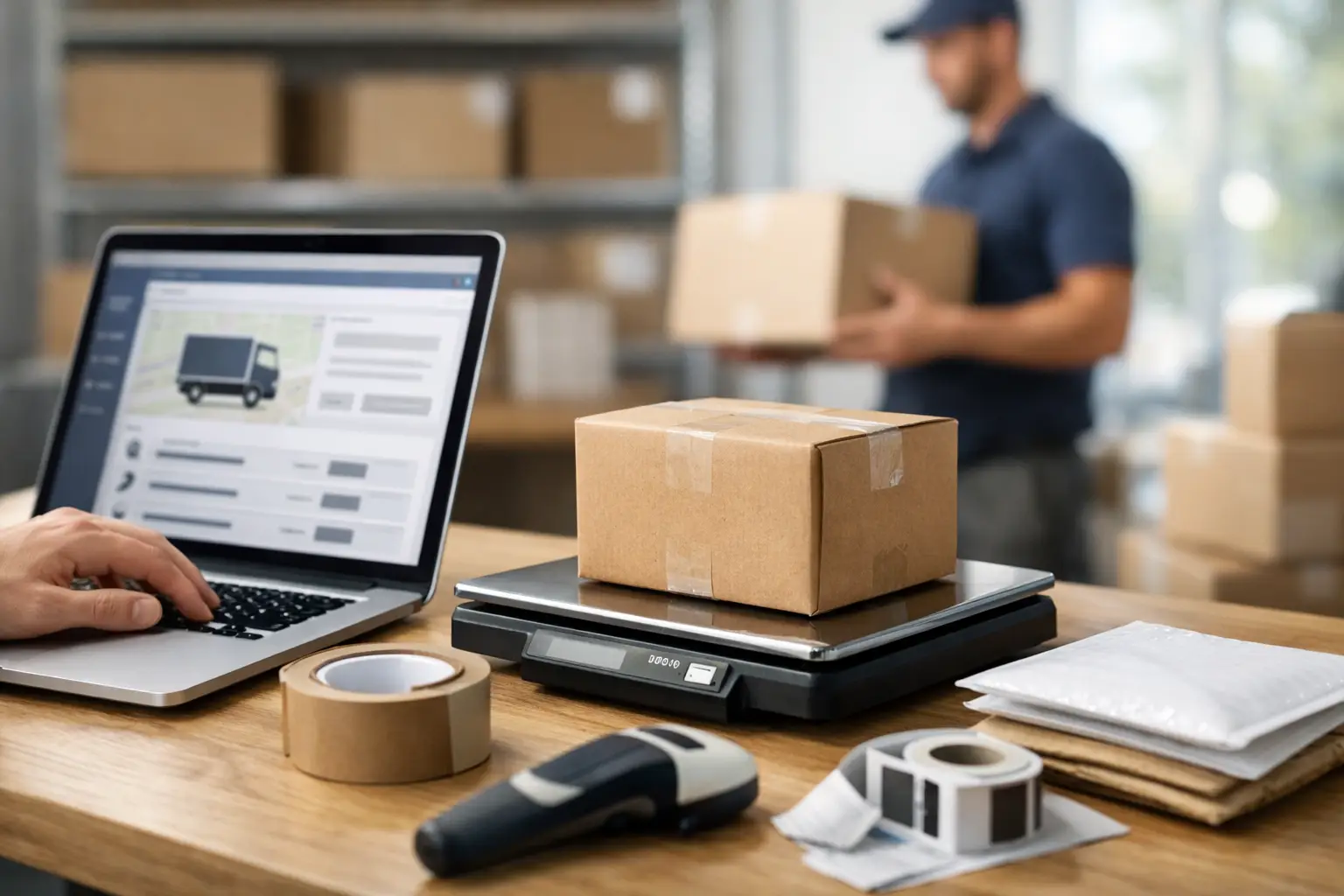
A $4 mistake on one label is annoying. Make it 40 times a day, and you have quietly donated serious money to the carriers by the end of the month. That is where shipping software earns its keep. It puts carrier prices, labels, tracking, and shipment details in one place so you can stop bouncing between websites and start choosing the rate that makes sense.
For an online seller, shipping is not a side task. It is part of your margin, your customer experience, and your ability to get orders out before the day gets away from you. The right tool makes that work faster. The wrong one just adds another login, another fee, and another thing to babysit.
What Shipping Software Should Actually Do
At its core, shipping software helps businesses buy postage and manage outbound packages from a centralized dashboard. But that simple definition hides the stuff that matters when you are actually trying to ship orders at 4:45 p.m.
A useful platform should pull up real-time carrier options for each package, let you compare USPS, UPS, and FedEx prices, and create a label without making you repeat the same data three times. It should save sender details, store package presets, update tracking, and keep shipments organized enough that you can answer the inevitable "Where is my order?" question without a scavenger hunt.
The biggest win is visibility. Retail carrier pricing is rarely the best deal, and carrier-by-carrier workflows make comparison a chore. If the cheapest option is hidden behind three tabs and a calculator, plenty of sellers will pay more just to get the package out the door. That is not a shipping strategy. That is a tax on being busy.
Good software puts the options in front of you before you buy. You can choose the lowest cost, the fastest delivery, or the service that fits the product. A low-value T-shirt and a time-sensitive replacement part should not automatically travel the same way.
Why Rate Comparison Changes the Math
The same box can produce very different prices depending on its destination, dimensions, weight, and service level. USPS may be the smart move for a lightweight parcel headed across the country. UPS or FedEx may make more sense for a larger box, a heavier shipment, or a short regional trip.
There is no one carrier that wins every shipment. Anyone claiming otherwise is selling something besides postage.
Shipping software gives you the information to make the call in seconds. Instead of guessing, you see the available services and costs side by side. That matters because small savings compound fast. Saving $1.50 per package across 600 monthly orders keeps $900 in the business. That can cover inventory, ad spend, packing supplies, or a whole lot of coffee.
Rate comparison also protects you from the expensive habit of defaulting to overnight or premium services when a lower-cost ground option will still meet the customer promise. Fast is great. Paying for fast when nobody needed fast is less great.
The cheapest rate is not always the best rate
Cost matters, but it is not the only decision point. A shipping tool should help you balance price against delivery speed, package protection, and reliability for the lane you are shipping.
For example, a seller shipping collectible items may happily pay a little more for better tracking and insurance options. A merchant sending low-cost accessories may prioritize the least expensive service that keeps delivery expectations realistic. If a customer paid for expedited shipping, the lowest rate is irrelevant if it misses the deadline.
The point is control. You should see the trade-off clearly, then decide. No mystery math. No carrier website maze.
The Features That Save Time Instead of Creating Work
Not every feature is worth paying for. Some sound impressive in a sales demo and then collect dust. For most ecommerce sellers, the useful features are the ones that remove repeat work from the shipping bench.
Batch label creation is a big one. If you ship more than a few orders per day, creating labels individually gets old fast. Being able to import orders with a CSV file or connect stores and process shipments in groups can turn an hour of clicking into a few minutes of review and printing.
Address validation is another quiet money-saver. Bad addresses can mean returned packages, corrections, frustrated customers, and postage spent twice. Catching obvious issues before the label is purchased is much cheaper than fixing them after the box is already halfway to nowhere.
Package presets matter too. If you regularly ship products in the same mailer or box, save those dimensions. Your future self should not need to remember whether the standard box is 10 x 8 x 4 or 10 x 8 x 6 while a label printer stares you down.
For growing teams, user access and shared workflows become more important. A platform that supports multiple users means fulfillment does not live in one person’s browser. That is useful when you have warehouse help, a customer service teammate checking tracking, or an owner who would like to take one afternoon off without the whole operation freezing.
Watch the Fees, Not Just the Feature List
Here is the part many shipping platforms would prefer you skim: the software cost itself can eat into the savings.
A monthly subscription may be worth it if it gives a high-volume business meaningful rate discounts, automation, branding, or team access. But a seller with inconsistent volume should not have to pay a chunky monthly fee just to print a handful of labels. Per-label charges can be equally sneaky. They seem tiny until you look at a full month of shipments.
Read the pricing page like you read a carrier surcharge notice. Check for monthly plan costs, charges per label, minimum volume requirements, extra-user fees, store connection limits, and wallet-credit rules. If you preload money for postage, ask whether those funds expire. Your cash should not develop a use-it-or-lose-it personality.
The best setup depends on how you ship. A newer seller may need a free plan with no contract and straightforward access to discounted postage. A growing brand might need branded tracking, automations, and more connected stores. A high-volume operation may get more value from unlimited users, deeper rates, and fewer workflow limits.
The Shipping Dude takes the practical route: compare live USPS, UPS, and FedEx pricing, buy labels quickly, and choose a plan based on what your operation actually needs. Basic shippers can avoid monthly software fees and per-label charges, while bigger teams can step up when the added workflow tools and savings justify it. Pick your vibe, Dude.
How to Choose Shipping Software Without Getting Burned
Start with your real shipping pattern, not the version of your business you hope exists six months from now. Look at the last 30 days of orders. How many packages did you ship? What are the average weights and dimensions? Where do they go? Which carrier services do you use most often? Do you ship from one location or several?
Then test the rate view using a few real examples. Compare a lightweight parcel, a medium box, a heavy order, and a shipment going to a farther zone. You are looking for two things: whether the rates are competitive and whether the information is easy to act on. If it takes too long to understand the choices, your team will default to old habits.
Next, think about how orders enter your workflow. If you sell through several marketplaces or stores, integrations may be a top priority. If your team works from spreadsheets, reliable CSV imports may be enough. Do not pay for an elaborate system just because it has a fancy dashboard. Pay for the part that removes friction from your actual process.
Finally, test label creation before you commit. Print a sample label, check the format, confirm tracking is easy to find, and make sure refunds or voided labels are not a bureaucratic nightmare. Shipping is repetitive work. Tiny annoyances become giant ones when repeated hundreds of times.
Better Shipping Starts With Better Choices
The best shipping workflow is not flashy. Orders come in, you compare rates, choose the right service, print labels, and get packages moving without overthinking it. Your customers get their stuff, your team keeps pace, and your margin does not get mugged at checkout.
Start by looking at what you paid for postage last month. Then ask a simple question: did you choose those rates, or did your process choose them for you? The answer will tell you exactly why better shipping software is worth a closer look.
