Online Postage Software That Cuts Shipping Costs
Online postage software helps sellers compare carrier rates, buy labels faster, cut shipping costs, and skip hidden fees that wreck margins every day.
August 19, 2026
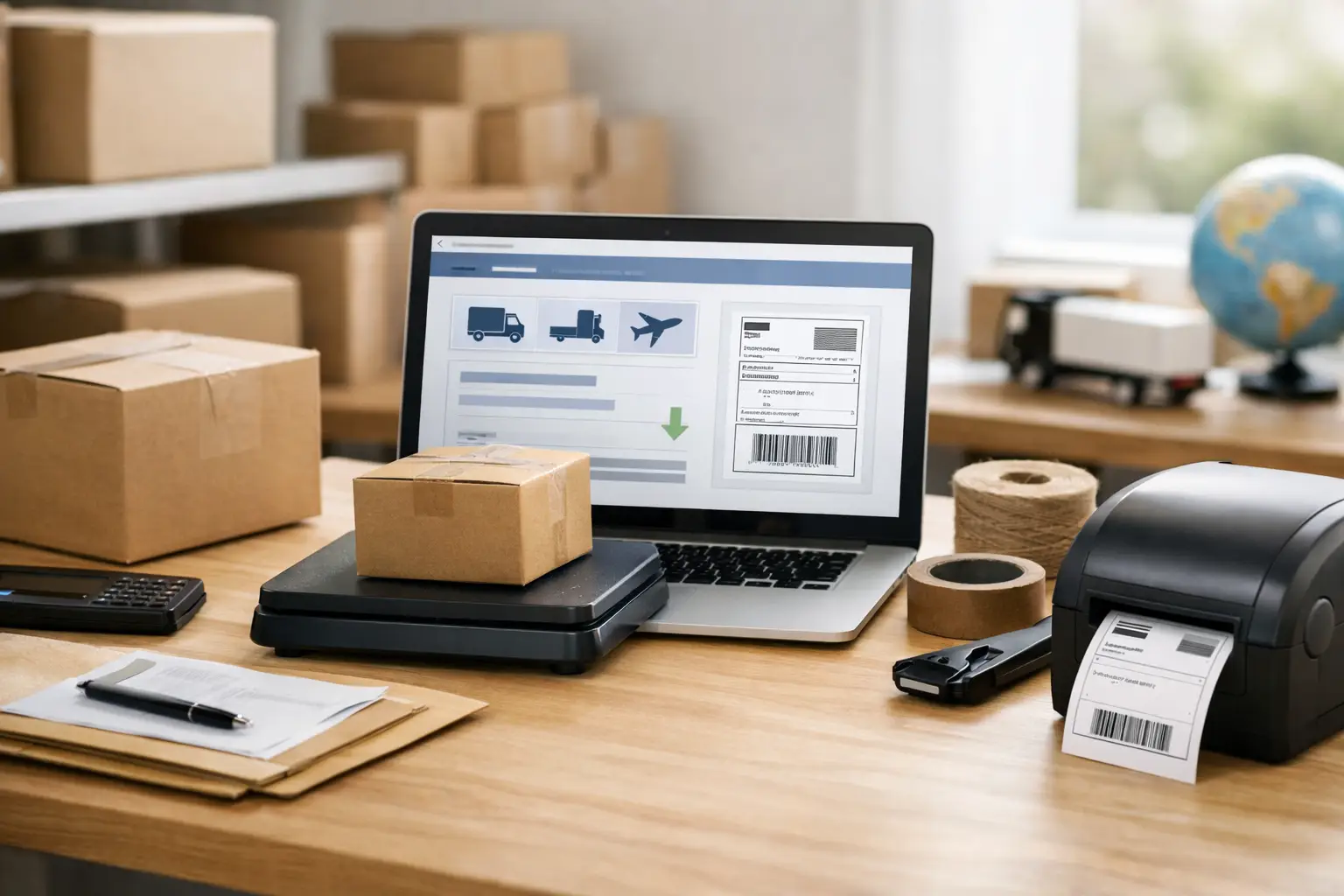
A $6 shipping mistake does not sound dramatic until it happens 40 times a week. Then it is $240 quietly walking out the door each week because someone bought a label at the wrong rate, used the wrong package type, or bounced between carrier sites with a customer waiting.
Online postage software gives sellers one place to compare rates, purchase labels, and keep outbound shipping from becoming a daily game of expensive whack-a-mole. For ecommerce merchants, resellers, and growing fulfillment teams, that is not a nice-to-have. It is how you protect margin without spending your afternoon manually checking USPS, UPS, and FedEx.
What Online Postage Software Actually Does
At its core, online postage software turns shipment details into a purchasable shipping label. You enter the destination, package dimensions, weight, and service level. The software shows available carrier options and prices, then lets you buy and print the label.
That basic function matters, but it is only the start. Good shipping software also stores addresses, tracks shipments, syncs orders from sales channels, creates return labels, and handles multiple orders at once. Instead of opening separate carrier accounts and retyping the same information, your team works from one screen.
The big win is visibility. When rates are laid out side by side, you can see whether USPS Ground Advantage, UPS Ground, or FedEx Ground makes the most sense for that specific package. The cheapest option for a 6-ounce mailer headed across the country may be wildly different from the best option for a 12-pound box going two states away.
That is why the best question is not which carrier is cheapest. It is which carrier is cheapest for this shipment, with this delivery promise, going to this address. Anyone selling online long enough learns that shipping has opinions.
Why Manual Shipping Starts Expensive and Stays Expensive
Buying labels one at a time on carrier websites can work when you ship a few packages per month. Once order volume picks up, the process gets clunky fast. Employees re-enter addresses, hunt for order details, guess at services, and miss opportunities to compare prices.
The cost is not just postage. It is labor, mistakes, and the occasional dreaded adjustment after a carrier remeasures a box. Retail carrier pricing can also make a perfectly good product feel less profitable than it really is.
Manual workflows create a few predictable problems:
- Different carrier logins turn rate shopping into tab chaos.
- Order data gets copied by hand, which invites address and service errors.
- Teams choose familiar services instead of the most cost-effective ones.
- Tracking information may not get pushed back to the sales channel quickly.
None of this is glamorous. That is exactly the point. Shipping should be boring, fast, and under control. When it becomes a scavenger hunt, your margin pays the price.
How to Choose Online Postage Software Without the Fluff
Every shipping platform claims it saves time and money. Fine. Make it prove it. The right choice depends on where you sell, how many packages you ship, the carriers your customers expect, and whether your team needs more than basic label printing.
Start With Real Carrier Rate Comparison
A platform should show live options from the carriers you actually use, not push you into a single shipping lane. For most US sellers, that means USPS, UPS, and FedEx. Comparing rates in one place lets you make decisions based on the order in front of you instead of habits from three years ago.
Look beyond the lowest number, too. A customer who paid for fast delivery may need a quicker service even if another option saves 80 cents. Likewise, a low-value item may not need premium speed. The software should make the trade-off obvious, not bury it under carrier jargon.
Check the Fee Structure Before You Commit
Software fees have a funny way of multiplying. A monthly subscription, per-label charge, user fee, connection fee, or payment processing surprise can eat into the savings you came for.
Read the pricing page like you are inspecting a suspiciously cheap used van. Ask what happens when volume increases, whether labels carry extra charges, how many users are included, and whether wallet funds expire. A free plan can be genuinely useful, but only if it does not turn into death by add-on.
The Shipping Dude is built for merchants who are over that nonsense, offering a free Basic plan with no monthly fee or per-label charges while giving higher-volume sellers room to upgrade when they actually need more tools.
Make Sure It Fits Your Shipping Workflow
A solo seller may only need to import orders, compare rates, and print labels from a regular printer. A warehouse team may need batch processing, CSV uploads, multiple user permissions, branded tracking, automation rules, and more than one store connection.
Do not buy a giant operations suite if your daily workflow is 15 orders from one marketplace. On the other hand, do not choose a bare-bones tool if your team is already exporting spreadsheets, splitting fulfillment across stations, and begging for cleaner order management.
The right software removes steps from the process you have now while giving you room to grow. It should not require a six-week project plan just to print a box label.
Put Your Shipping Data to Work
Buying cheaper labels is the obvious benefit. The less obvious benefit is learning what your shipping operation is actually doing.
After a few weeks with centralized shipping data, patterns start to show up. Maybe one product is getting hammered by dimensional weight because the box is too large. Maybe customers in a certain zone are expensive to serve with your default service. Maybe two-day shipping is being selected more often than the product margin can support.
Those are business decisions, not just shipping decisions. Better data can lead to smaller packaging, adjusted free-shipping thresholds, smarter customer delivery options, or inventory placed closer to frequent buyers.
Watch for the difference between package weight and dimensional weight. Carriers may price larger boxes based on the space they occupy, not only what they weigh. A lightweight, oversized package can cost far more than expected. Accurate dimensions are not boring admin work. They are rate-control tools.
It also pays to review exceptions. Late scans, address corrections, delivery-area surcharges, and repeated claims can point to a packaging problem or a carrier-service mismatch. No software can prevent every headache, but it can make the headache visible before it becomes a habit.
A Smarter Label Workflow for Growing Sellers
The fastest shipping teams standardize what can be standardized. Save common package presets. Keep product weights current. Use order filters to separate expedited shipments from standard ones. Print in batches when the order volume calls for it.
Then leave room for judgment. A fragile item, a high-value order, or a customer with a tight deadline may deserve a different service than your default rule. Automation is great until it sends a $300 product through the cheapest option without insurance or signature requirements.
For teams, permissions matter too. Not everyone needs access to billing settings, carrier accounts, or refund controls. A platform with multiple-user access can keep the label line moving without handing every employee the keys to the whole shipping operation.
Returns deserve the same attention. A simple return-label process makes customers happier and gives your team better tracking on what is coming back. It is not exciting, but neither is answering the same where-do-I-send-this question 30 times a month.
The Best Rate Is Not Always the Lowest Rate
Saving on postage matters. So does delivering the promise your store made. The best shipping decision balances cost, speed, reliability, package size, destination, and product value.
For a low-cost accessory, the slowest economical service may be exactly right. For a replacement part a customer needs tomorrow, paying more may protect the relationship and prevent a refund. For a bulky item, changing the box might save more than switching carriers.
That is the real job of online postage software: not to magically make every shipment cheap, but to put the options in front of you quickly enough to make a smart call. Stop paying for guesswork. Print the label that fits the order, keep an eye on the numbers, and let your shipping spend do less damage to the business you are working so hard to build.
