How Long Do You Have to Ship After Printing a Label?
How long do you have to ship after printing label? Learn when to hand off, when to void, and how to prevent late scans, unhappy buyers, and wasted postage.
October 22, 2026
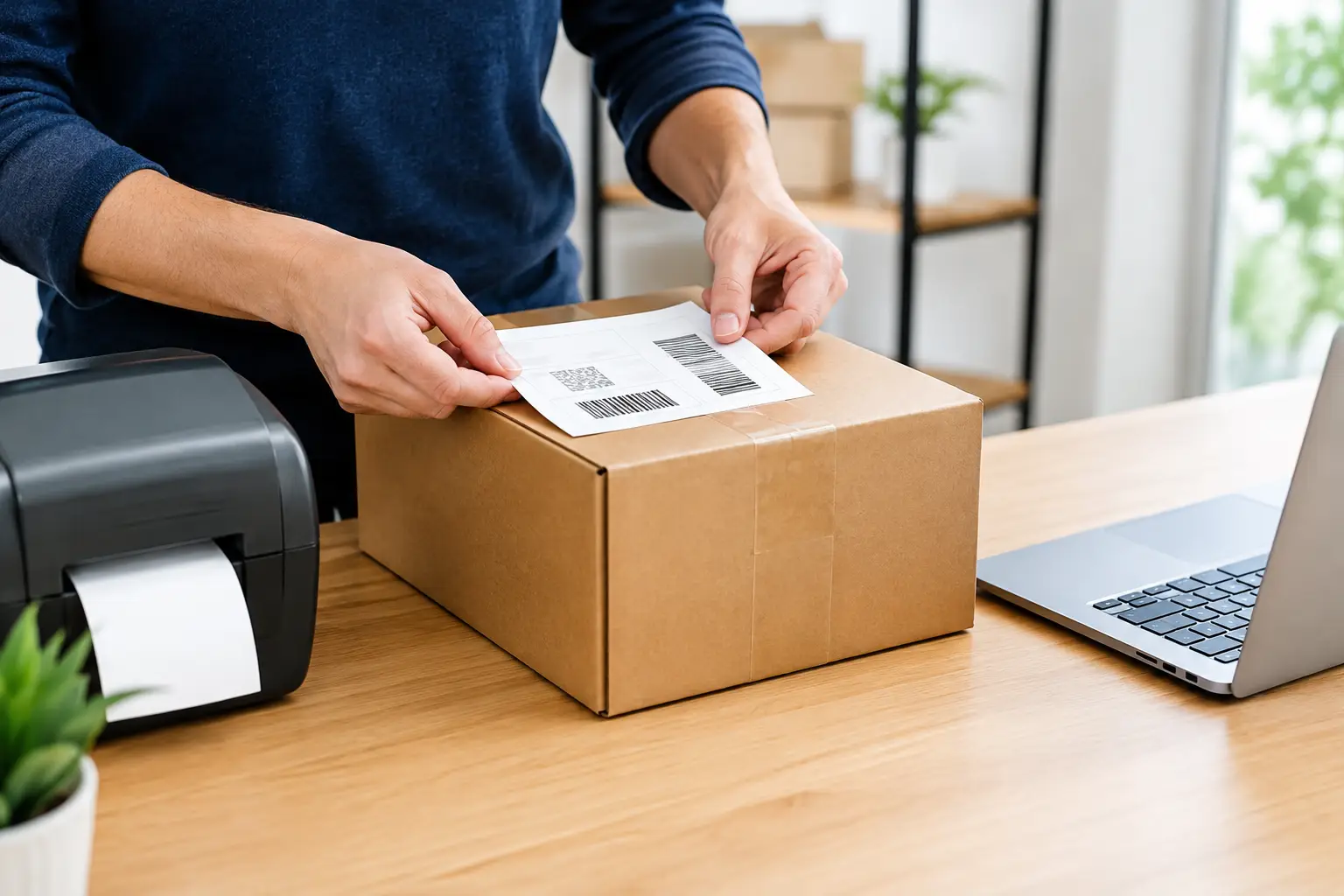
A label is not a force field around a package. Printing one does not mean the carrier has it, your buyer knows it is moving, or the delivery clock has started. So, how long do you have to ship after printing label? The short answer: hand it to the carrier on the date shown whenever possible. If you cannot, the label may still scan later, but waiting creates problems that are way more expensive than a reprint.
For most ecommerce sellers, the smart operating rule is simple: print labels only when orders are packed and ready to leave. Same-day handoff is best. Next-business-day handoff is usually manageable. Beyond that, pause, check the label details, and strongly consider voiding and creating a new one.
How long do you have to ship after printing a label?
There is no single universal expiration window for every USPS, UPS, or FedEx label. The actual answer depends on the carrier, service, label source, account terms, and whether the package has received an acceptance scan.
That said, the shipment date printed on a label matters. It tells the carrier and the customer when you represented that the parcel would enter the mail or carrier network. A label can sometimes be accepted after that date, especially if the delay is short. But “it might still work” is not the same as “this is a good fulfillment process.”
If your package leaves one or two business days late, it may get an acceptance scan and continue normally. If it sits around longer, you risk stale tracking, missed marketplace handling-time promises, buyer messages, and a delivery estimate that no longer matches reality. That is how a five-minute packing delay turns into a refund request. Very cool. Not.
The cleanest practice is to tender the package on the label’s ship date. If an unexpected delay happens, get it out the next business day and monitor the first scan. If you will not ship for several days, void the unused label if your platform and carrier rules allow it, then print a new one with the correct date.
Why the label date is not just a suggestion
Shipping labels are purchased postage tied to shipment data: origin ZIP code, destination, package details, service level, and a ship date. The date helps calculate expected movement and delivery timing. It also becomes part of the story your buyer sees when tracking starts.
A package that is dropped off late can create a tracking gap. The buyer gets a shipping confirmation, clicks the tracking number, and sees “label created” for three days. To them, that does not look like a carrier delay. It looks like you printed a label to make the order appear shipped and then forgot the package existed.
Some marketplaces also measure handling time based on when tracking receives an acceptance scan, not when you bought postage. If you sell on channels with strict service metrics, late tendering can hurt your standing even when the carrier eventually delivers on time.
There is another issue: prices and service commitments can change. A label created for a particular date may not reflect the conditions of a much later shipment. Carriers can have different rules for late-used or unused labels, and shipping platforms may set their own void deadlines. There is no prize for testing the edge of those policies.
What counts as “shipping” after you print the label?
Printing is step one. Shipping happens when the carrier takes possession of the parcel, ideally with an acceptance scan. Dropping it in a USPS collection box, leaving it at a staffed counter, giving it to a UPS driver, or placing it in a scheduled pickup all count as tendering the package.
But the acceptance scan is the gold standard. It proves the package entered the carrier network. A parcel can miss its first scan and still move, particularly during busy periods, but do not build your workflow around carrier magic.
For higher-value orders, get a receipt at a staffed drop-off location whenever practical. For daily volume, use a pickup manifest or carrier scan form where available. That creates a cleaner paper trail than a pile of packages quietly disappearing behind a retail counter.
Weekends and holidays change the math
A Friday label does not guarantee Friday movement if you print after your local cutoff, miss pickup, or drop it where no weekend processing occurs. The same goes for federal holidays, weather disruptions, and peak-season backlogs.
If your fulfillment team prints labels on Friday but packages cannot leave until Monday, use a Monday ship date when your software supports it. This keeps the tracking timeline honest and reduces the “why has my package not moved?” inbox parade.
When should you void and reprint a label?
Void and reprint when the original label no longer reflects reality. That is especially true when the parcel will ship several days late, you changed the package weight or dimensions, the buyer changed the address, or you are switching carriers or service levels.
Do not tape a new address over an old one and hope the barcode sorts out the family drama. The carrier reads the barcode, not your intentions. If anything about the shipment that affects routing or postage has changed, make a new label.
Also void labels for orders that were canceled before carrier acceptance. Most shipping platforms have a time limit for void requests, and an unused label does not always mean an automatic refund. Handle the void quickly, then confirm its status in your shipping dashboard.
If the label was printed today and the package simply missed pickup, a reprint is not automatically required. Check your carrier’s current policy and your label provider’s terms. The practical call comes down to delay length: one business day is often a monitoring situation; several days is usually a reprint situation.
A no-drama label workflow for online sellers
The fix is not complicated. Stop printing labels as a vague promise to yourself that you will pack later. Print them at the last responsible moment - after inventory is confirmed, the item is packed, and you know it can make the day’s handoff.
Set a realistic daily cutoff. If your carrier pickup is at 4:00 p.m., do not tell your team orders placed at 3:55 p.m. will ship the same day unless that process is actually dialed in. A clear cutoff beats a heroic scramble that creates mis-picks and late scans.
Keep an end-of-day exception check, too. Compare labels purchased against packages scanned or manifested. Any label without a handoff record should be investigated before it becomes old news. This is particularly useful when multiple people pack orders or when parcels move between a warehouse, office, and drop-off site.
The Shipping Dude can help keep that process from becoming a tab-juggling nightmare by putting carrier rates and label purchasing in one place. Compare the options, buy the label when the box is ready, and avoid paying for postage that ends up sitting on a packing table.
Quick answers to common label timing problems
Can I ship a USPS package the day after printing the label?
Usually, a short delay may still be accepted and scanned, but you should aim to mail it on the label date. If it is going out the next business day, tender it promptly and watch for acceptance tracking. For a longer delay, void and reprint with the correct date when possible.
Can I use a label after the ship date?
Possibly, but it depends on the carrier, service, and label provider. A late label may scan, yet it can create delivery-estimate and customer-service issues. Treat late use as an exception, not your normal playbook.
What if tracking only says “label created”?
First, give the carrier a little time to post the first scan, especially after a drop-off or busy pickup. If there is still no movement after a reasonable window, verify that the package was actually tendered. Do not tell the buyer it is “in transit” if you cannot confirm that it left your possession.
Does printing a label mark an order as shipped?
Your store or marketplace may mark it shipped when tracking is uploaded, but that is not the same as carrier possession. The operational truth is simple: it is shipped when the carrier has the package.
A good label workflow is boring in the best possible way. The order is packed, the label is printed, the carrier gets the box, and tracking starts moving. Keep those steps close together, and you will spend less time chasing scans and more time selling stuff.
