Can I Print a Shipping Label Myself?
Can I print a shipping label yourself? Yes - and it’s usually faster and cheaper. Learn what you need, what can go wrong, and how to do it.
June 24, 2026
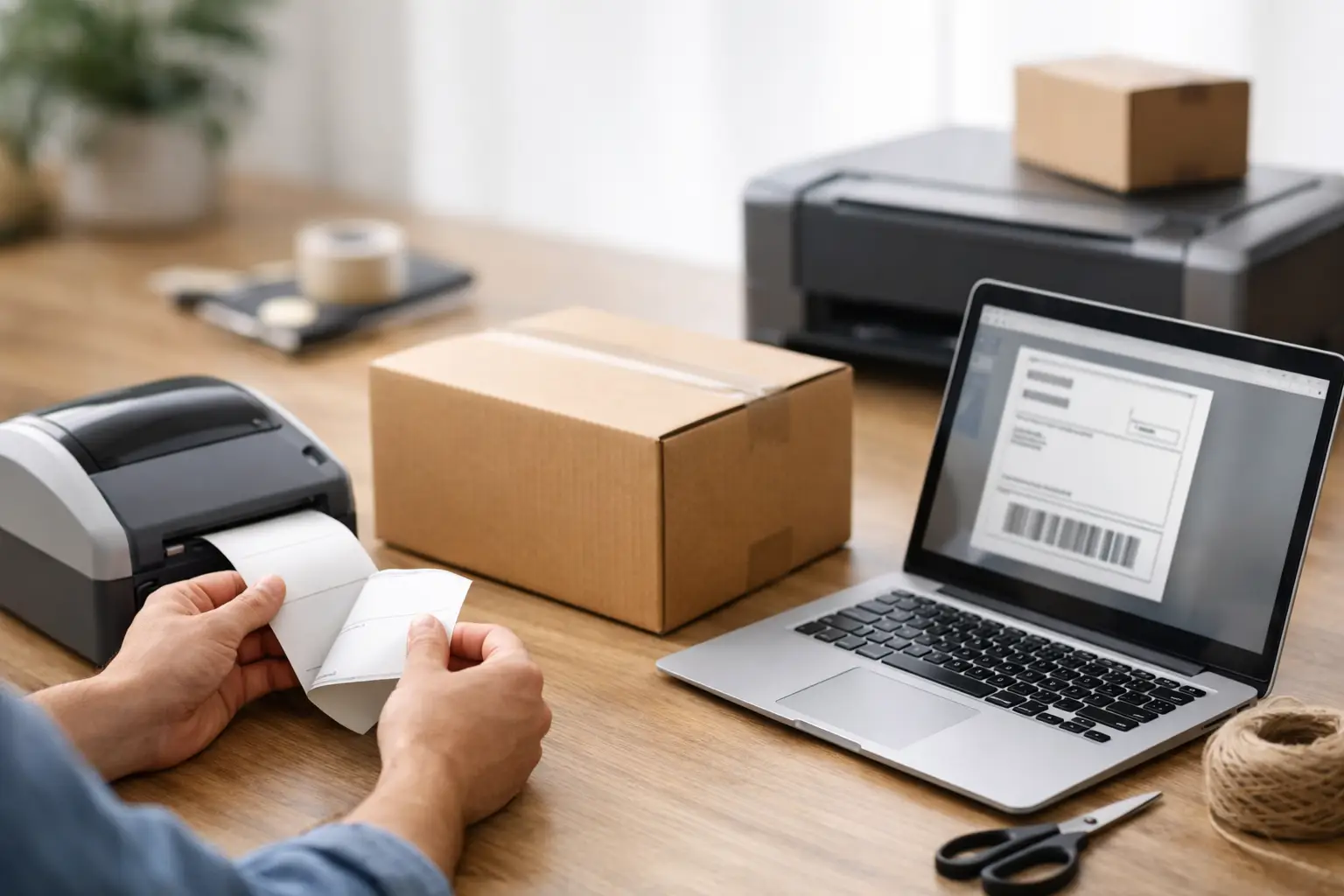
If you’re asking, can I print a shipping label, the short answer is yes. The better answer is yes, and you probably should - especially if you sell online and don’t feel like overpaying at the counter or wasting time bouncing between carrier sites.
Printing your own label is no longer some warehouse-only trick. A solo Etsy seller can do it. A growing Shopify brand can do it. A reseller shipping ten packages before lunch can definitely do it. You need the right shipment info, a printer, and a way to buy postage. That’s it. No secret handshake. No shipping degree required.
Can I print a shipping label at home or at work?
Yes. You can print a shipping label anywhere you have access to a printer and a way to create the label. Home office, warehouse, spare bedroom full of inventory, back room at your store - all fair game.
Most carriers and shipping platforms let you buy a label online and download it as a PDF or image file. Once you have that file, you print it, attach it to the package, and hand it off to the carrier or drop it off.
The bigger question is not whether you can print one. It’s whether you’re doing it in the cheapest and least annoying way possible. Buying one label at a retail counter works in a pinch, but it’s usually slower and more expensive than purchasing postage online.
What you need before you print
You do not need much, but the details matter. Shipping is one of those things that feels simple right up until an address gets cut off or your package gets charged extra because the weight was guessed.
Start with the recipient’s full address, including apartment or suite numbers. Then make sure you know the package weight and dimensions. Weight drives the price. Dimensions can also affect the price, especially for larger boxes. If you’re shipping the same products often, this gets easy fast because you can reuse package presets.
You’ll also need a printer. A standard inkjet or laser printer works fine for most sellers, especially if you’re printing on plain paper and taping the label to the box. If you ship regularly, a thermal label printer is usually the smarter move. No ink. Faster printing. Less fiddling around.
Finally, you need a place to buy the label. That can be directly through USPS, UPS, or FedEx, or through a shipping platform that compares rates across carriers. If you’re shipping more than once in a while, rate comparison is where the money lives.
How printing a shipping label actually works
The process is pretty simple once you do it once.
You enter the sender and recipient addresses, package weight, and package size. Then you choose a service level based on cost and delivery speed. After you pay, the system generates a label with the postage, barcode, tracking number, and routing details baked in.
You print that label and attach it flat on the largest side of the package. Don’t wrap it around corners. Don’t tape over the barcode so heavily that it reflects like a disco ball under the scanner. Keep it clean and readable.
Then you hand the package to the carrier. That could mean a pickup, a drop box, a retail drop-off point, or a post office counter. Printing the label yourself doesn’t lock you into any weird handoff method. It just skips the line and gives you more control.
Can I print a shipping label without a special printer?
Absolutely. This is where a lot of newer sellers overthink it.
A regular desktop printer is enough to get started. Print the label on standard paper, cut it out, and tape it securely to the package. Make sure the whole label is visible and the barcode is not obstructed. That setup is not glamorous, but it works.
A thermal printer becomes worth it when volume picks up. If you’re shipping every day, even ten labels a day, a thermal setup can save time and reduce headaches. But if you’re just getting started, don’t let equipment be the reason you delay.
In other words, yes, you can print a shipping label without fancy gear. Start with what you have. Upgrade when the math makes sense.
Common mistakes that make labels fail
This is the part that costs sellers money.
The most common problem is bad shipment data. Wrong address. Missing unit number. Incorrect ZIP code. A package that weighs 3 pounds but gets entered as 2 pounds can come back with an adjustment charge later. That surprise fee is always a bad time.
Another issue is label placement. If the label is wrinkled, partially covered, or printed too faintly, scanners may struggle to read it. That can delay the shipment or force manual handling.
There’s also the service mismatch problem. Some sellers buy postage that doesn’t match the package type or carrier rules. For example, using the wrong packaging, selecting an ineligible mail class, or assuming every carrier charges the same way. They do not. Shipping has plenty of little gotchas, which is exactly why comparing options in one place beats guessing carrier by carrier.
Is it cheaper to print your own shipping label?
Usually, yes.
Retail counter rates are often higher than online rates. Buying postage online also lets you compare services side by side instead of taking whatever one clerk suggests in the moment. If you ship often, that difference adds up fast.
This is especially true for ecommerce sellers who ship mixed order sizes. A lightweight poly mailer going to Zone 8 may be cheapest with one carrier, while a heavier box across a short distance may price out better with another. If you’re checking each carrier manually, you’re burning time. If you’re not checking at all, you’re probably overpaying.
That’s where a platform like The Shipping Dude can make life easier. Instead of playing rate roulette across USPS, UPS, and FedEx, you can see live prices in one place, buy the label, and move on with your day. No drama. No mystery fees hiding behind the curtain.
When printing your own label might not be the best move
There are a few situations where printing your own label is not the obvious winner.
If you ship once every six months and don’t own a printer, going to a carrier store may be easier. If you’re mailing something with unusual restrictions - hazardous materials, international customs complications, or highly specialized packaging rules - you may want extra guidance before buying the label yourself.
And if your workflow is messy, printing labels can expose that mess quickly. Bad order data, no scale, inconsistent packaging, and no system for matching labels to orders can create shipping mistakes. The label itself is not the problem. The process around it is.
Still, for most online sellers and small business shippers, those are exceptions. Day-to-day outbound shipping is exactly the kind of task that should be handled online.
Can I print a shipping label for any carrier?
In most cases, yes, as long as you’re using an approved method to create the label.
USPS, UPS, and FedEx all support online label creation through their own systems or through third-party shipping software. The main difference is the rates you get, the workflow you prefer, and whether you want to compare options before buying.
If you only ever use one carrier, going direct may feel simple. But simple and cheapest are not always the same thing. Sellers who ship enough volume usually care less about brand loyalty and more about getting the package out the door for the best rate with the right delivery speed.
That’s the grown-up version of shipping. Less romance, better margins.
How to make label printing less annoying
Once you know you can print a shipping label, the next step is making it repeatable.
Use a scale you trust. Save common package sizes. Double-check addresses before purchasing postage. If you ship multiple orders at once, create a routine so labels do not get mixed up with the wrong boxes. Batch processing helps a lot when volume rises, and so does pulling rates from one dashboard instead of three different carrier tabs.
You also want your payment setup to be simple. Some merchants prefer to fund shipping as needed. Others want a wallet or balance they can control without surprise billing games. Either way, clarity matters. Shipping software should help you move faster and spend less, not introduce a new layer of nonsense.
So, can I print a shipping label and be done in minutes?
Yes - if you have accurate order info and a decent workflow, printing a shipping label takes minutes, not hours. For a lot of sellers, it takes less time than driving to a store and waiting in line behind someone mailing a mystery box wrapped like a hostage negotiation.
The trick is not just printing the label. It’s building a process that keeps shipping cheap, fast, and predictable as your order count grows. Start simple. Use the printer you already have. Compare rates before you buy. And if shipping is becoming a daily job, stop doing it the hard way just because that’s how you started.
Your label should be the easy part.
