10 Best Tools for Batch Shipping in 2026
Find the best tools for batch shipping, compare the features that actually save time, and choose software that cuts label costs without fee nonsense now.
September 6, 2026
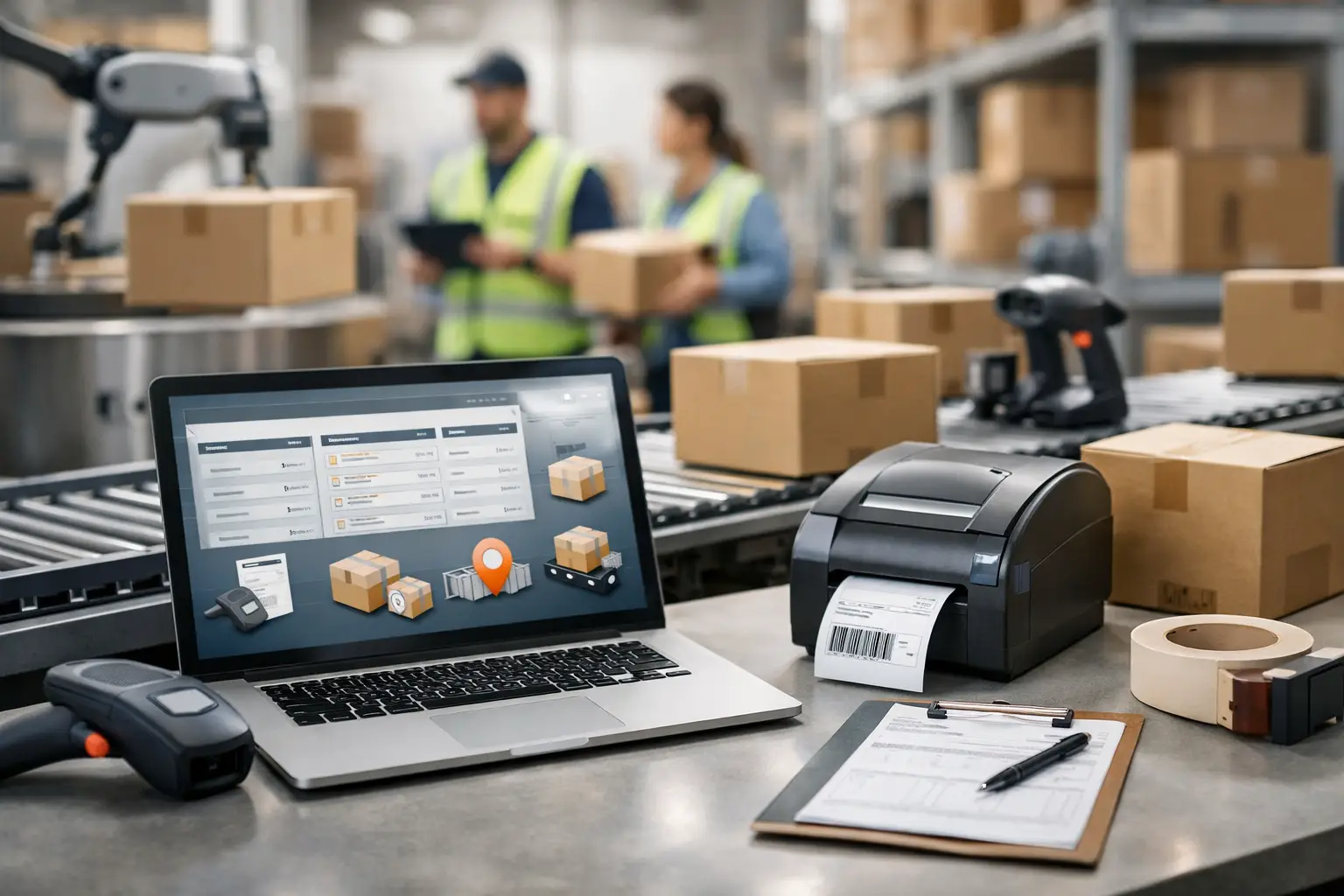
That stack of orders does not care that you have already spent the morning answering customer messages. It still needs labels, tracking numbers, and the cheapest shipping option before the carrier cutoff hits. Batch shipping tools exist to turn that mess into a repeatable workflow - not another tab-heavy chore with surprise fees.
The best tools for batch shipping help merchants pull orders into one place, compare carrier services, buy labels in bulk, and get packages out the door without manually entering the same address 80 times. But the right pick depends on your order volume, sales channels, carriers, and how allergic you are to monthly software bloat.
What a batch shipping tool should actually do
A batch shipping platform should eliminate repetitive work first. At minimum, it needs to import orders from your store or marketplace, validate addresses, apply package details, and let you create multiple labels in one action. If it only prints labels one at a time with a prettier interface, that is not batch shipping. That is manual work wearing a hat.
Rate comparison matters just as much. A tool should show live options across USPS, UPS, and FedEx when available, rather than making you bounce between carrier sites. The lowest price is not always the right choice, of course. A two-pound order headed across the country may need a faster service to keep a customer happy. But you should be able to see the trade-off before you buy.
Look for practical controls, too: shipping presets, automation rules, CSV uploads, bulk edits, thermal printer support, tracking updates, branded tracking on higher plans, and user permissions if more than one person touches fulfillment. A platform can have every bell and whistle known to mankind, but if your team cannot get labels printed before lunch, the bells are just expensive noise.
10 best tools for batch shipping
1. The Shipping Dude
The Shipping Dude is built for merchants who want carrier-rate visibility without getting mugged by recurring software costs. Its free Basic plan gives smaller sellers a low-risk way to buy labels and compare USPS, UPS, and FedEx pricing in one place. There are no monthly fees on that entry plan and no per-label charges, which is a big deal when every dollar of margin has a job to do.
For higher-volume businesses, Pro and Business plans add workflow upgrades, branding options, broader flexibility, and multi-user access. It is a strong fit for sellers who want to batch process orders, see rates quickly, and avoid the usual mystery-meat pricing. The trade-off is simple: if you need a deeply specialized warehouse management system with complex pick paths and enterprise inventory logic, you may need a larger operations stack alongside it.
2. ShipStation
ShipStation is a familiar name for a reason. It supports a large number of ecommerce channels and marketplaces, offers automation rules, and gives growing sellers plenty of ways to organize shipments. It can be especially useful when orders arrive from several places and your fulfillment team needs more structure.
The catch is that its feature depth can feel like overkill for a lean operation. Plans, add-ons, and usage needs deserve a close look before you commit. Great automation is valuable. Paying for a control panel that resembles a spaceship cockpit when you ship 30 orders a week is not.
3. Pirate Ship
Pirate Ship has earned loyalty among small sellers with a straightforward approach to USPS and UPS labels. It is easy to learn, has no monthly subscription fee, and works well when you want a simple way to purchase postage and process shipments without much ceremony.
It is best for low-to-moderate volume shippers who do not need extensive store connections, team controls, or broad carrier coverage. If your workflow is mostly straightforward parcels and you want to keep software costs at zero, it is a practical contender.
4. Shippo
Shippo works well for merchants and developers who want shipping functionality that can grow with them. It offers a web app for day-to-day labels plus API options for businesses that need shipping embedded into their own checkout or order systems.
That flexibility is useful, but implementation can get more technical when you lean into its API and advanced workflows. For a seller who simply needs to upload a CSV and print a few hundred labels, a simpler interface may get the job done with less setup.
5. Easyship
Easyship is worth a look for sellers with international shipping ambitions. It supports multiple carriers and emphasizes rate comparison, duties, taxes, and international delivery choices. If you sell beyond the United States, those details can move from annoying to business-critical very fast.
For domestic-only merchants, some of that global firepower may be more than necessary. Check how its pricing structure, carrier options, and plan limits line up with the shipments you actually send, not the overseas expansion fantasy currently living on your vision board.
6. ShippingEasy
ShippingEasy combines shipping labels with customer marketing features. That can appeal to Shopify and ecommerce merchants who want shipping operations and post-purchase communication closer together. It also supports automation rules and common sales channels.
The question is whether you want a marketing layer inside your shipping software. Some businesses will love the convenience. Others already have email tools they like and would rather pay only for faster, cheaper fulfillment.
7. Ordoro
Ordoro sits closer to the operations side of the house, with capabilities that can include inventory management, vendor workflows, and purchase order support alongside shipping. It makes sense for merchants whose shipping bottleneck is tied to inventory accuracy and multichannel order management.
That broader scope can justify the cost for established sellers, especially those managing many SKUs. For a reseller or smaller shop focused mainly on buying postage in batches, it may be more machinery than the job requires.
8. Veeqo
Veeqo is designed for multichannel sellers who need shipping and inventory features together. Its connection to Amazon makes it particularly relevant for merchants selling across marketplaces while trying to keep stock and fulfillment organized.
As with any ecosystem-connected tool, make sure its carrier rates and workflows fit your business before building around it. Marketplace sellers should also test how it handles the weird edge cases that show up in real life: split orders, address changes, partial shipments, and late customer requests.
9. Stamps.com
Stamps.com remains a known option for businesses that ship heavily through USPS. It offers label printing, batch processing, and mailing tools that can be useful for offices, direct-to-consumer brands, and sellers with steady postal volume.
Its value depends on your carrier mix and subscription tolerance. If USPS is your main move, it may fit. If you want broader side-by-side comparison across major carriers and a cleaner path away from monthly charges, compare the total cost carefully.
10. Sendcloud
Sendcloud is geared toward ecommerce shipping automation and can be useful for businesses with more advanced delivery management needs, particularly those operating across different markets. It offers rules, returns support, and carrier integrations that may help teams standardize a messy process.
US merchants should verify carrier availability and pricing for their specific lanes. A tool can look fantastic in a feature comparison and still be the wrong fit if its strongest network is not where your customers live.
How to choose without wasting a month
Start with your last 30 days of shipments. Check the number of orders, average package weight, destinations, carrier split, and sales channels. Then use that real-world data to test two or three platforms. Do not choose based on a feature list alone. Run a batch, compare rates, print labels, void one, make an edit, and see how long it takes.
Pay close attention to the total cost. Subscription fees, per-label charges, insurance markups, user limits, and plan-based feature gates can quietly chew through the postage savings you thought you were getting. A free platform is not automatically cheaper, and a paid platform is not automatically a rip-off. The math has to work for your volume.
Also consider your workflow after the label prints. Can warehouse staff scan and sort easily? Do customers receive tracking automatically? Can you create a return label when something comes back in the wrong color, wrong size, or wrong galaxy? Batch shipping is not just a label-printing contest. It is the system that keeps fulfillment from becoming a daily fire drill.
Features that matter more as volume grows
At 20 orders a day, saved package presets and a decent thermal printer can make a huge difference. At 200 orders a day, automation rules, bulk edits, multiple users, and reliable order imports become non-negotiable. At 2,000 orders a day, you may also need warehouse integrations, inventory controls, scan-based workflows, and dedicated operational support.
That is why the “best” tool changes as your business changes. Do not pay enterprise money because you hope to grow someday. But do not trap yourself in a bare-bones workflow that forces your team to do spreadsheet gymnastics every afternoon.
The smart move is to pick software that makes your next shipment easier, your next batch faster, and your postage bill less painful. Start with your actual orders, keep one eye on the fees, and let the rate screen do what it is supposed to do: save you money before another package leaves the building.
