Best Address Label Printing Software Picks
Looking for the best address label printing software? Compare key features, trade-offs, and the right fit for ecommerce teams and small shippers.
July 2, 2026
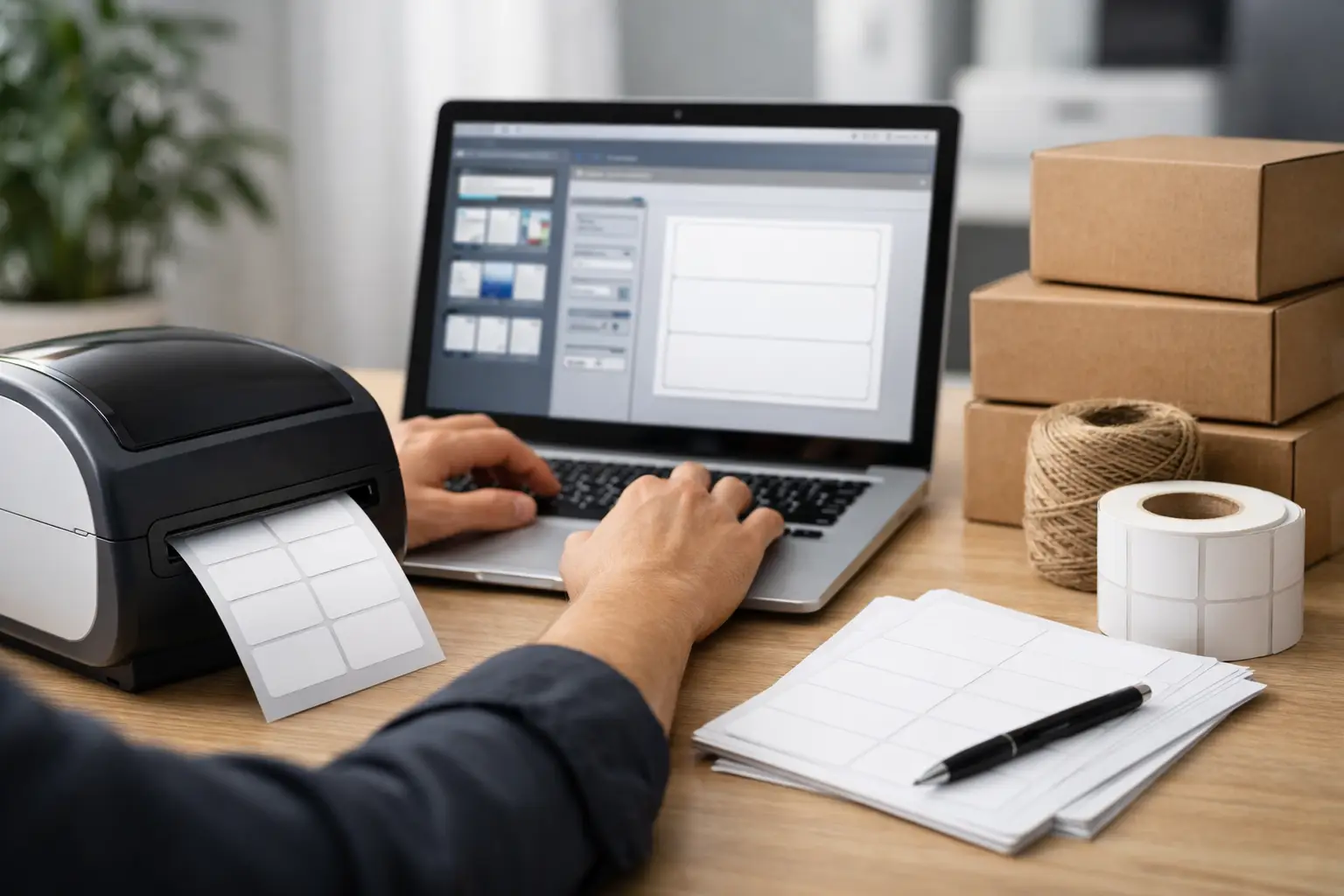
If your shipping desk still involves copy-pasting addresses into a word processor and praying the labels line up, yeah, we need to fix that. The best address label printing software does more than slap names onto stickers. It cuts errors, speeds up fulfillment, and keeps you from wasting half a sheet of labels because one row printed crooked.
For ecommerce sellers, resellers, and small teams shipping daily, this is not a tiny workflow upgrade. It is one of those boring back-office decisions that quietly saves hours and money every week. And unlike flashy tools that promise the moon and charge you for every click, good label software should make your operation less annoying, not more expensive.
What the best address label printing software actually does
At the basic level, address label printing software formats recipient data and prints it cleanly onto label sheets or rolls. That is the minimum. If that is all you need for holiday cards once a year, almost anything can work.
But for businesses, the best address label printing software goes further. It imports addresses from spreadsheets, order platforms, or customer databases. It catches formatting issues before they become undeliverable packages. It supports batch printing, custom label sizes, barcode fields, and printer compatibility that does not feel like a science project.
That last part matters more than people think. A tool can look great in a demo and still become a daily pain if it fights your printer, mangles CSV imports, or makes template setup harder than it should be.
Best address label printing software: what matters most
If you are choosing software for a real shipping workflow, skip the fluff and look at the stuff that hits your day-to-day operation.
Data import should be easy, not a side quest
If your addresses live in Shopify, Etsy, Amazon, WooCommerce, a CSV file, or a customer list exported from somewhere else, the software should take that data without drama. The more manual cleanup required before printing, the less value the tool gives you.
Good systems map fields clearly and remember your setup. Great ones validate addresses or at least flag weird formatting before labels print. If you are doing volume, this is the difference between moving fast and babysitting spreadsheets all afternoon.
Batch printing is where the time savings show up
Printing one label at a time is fine until you hit 30, 80, or 300 shipments. Then it becomes a tax on your sanity. Batch printing lets you process multiple labels in one pass, which matters a lot for small warehouses, garage operations, and lean fulfillment teams.
If your current workflow involves opening records one by one, you are not using software. You are doing digital paperwork with extra steps.
Template control matters more than fancy design
Some sellers need a dead-simple mailing label. Others need return addresses, logos, SKU references, or internal routing notes. The right software gives you flexibility without forcing you to become a label engineer.
There is a trade-off here. Highly customizable platforms can be powerful, but they also tend to come with more setup work. If your team changes often or you need something anyone can use in five minutes, simpler may actually be better.
Printer compatibility can make or break the setup
This is where a lot of buyers get burned. Some tools work best with standard desktop printers and sheet labels. Others are built for thermal printers. Some support both, but only after a little fiddling.
Before you choose anything, make sure it works with the hardware you already own or the hardware you actually want to buy. If the software saves you five bucks a month but forces a clunky print process, that is not savings. That is fake thrift.
Address verification is not optional if you ship at scale
If you send enough packages, bad addresses stop being rare and start being a pattern. Software that catches missing apartment numbers, weird ZIP code formatting, or obvious errors can save re-shipments, customer complaints, and lost time.
Not every business needs enterprise-level verification, but if your team regularly ships paid orders, accuracy is money.
The main types of address label software
This category is messier than it looks because different tools solve different problems.
Standalone label design tools are useful if your main job is creating and printing address labels from a list. These can be fine for offices, events, or marketing mailers. They are less exciting for ecommerce teams if they do not connect to order sources.
Office suite workarounds exist too. Plenty of businesses still use mail merge in spreadsheet and document software. It can work. It is also held together with duct tape. If your volume is low and your budget is zero, fair enough. If you are shipping every day, you will outgrow it fast.
Shipping platforms with label capabilities are usually the stronger option for merchants because they connect address handling to actual fulfillment. Instead of just printing a contact label, they can pull order info, compare carrier rates, print shipping labels, and organize shipments in one place. That is a much better fit if outbound shipping is part of your revenue, not just admin work.
How ecommerce sellers should choose
The best address label printing software for a boutique doing ten orders a week is not the same as the best option for a warehouse team pushing hundreds of parcels a day.
If you are a lower-volume seller, prioritize ease of use and low cost. You do not need a giant system with six layers of permissions and a setup call that eats your whole morning. You need labels to print correctly, imports to work, and pricing that does not punish you for getting started.
If you are shipping at moderate volume, look for stronger automation. Batch processing, store integrations, saved presets, and good printer support start to matter a lot more. This is usually where basic office tools begin to crack.
If you are running a higher-volume operation, your needs get more operational. You may need multiple users, batch CSV uploads, branding options, and a workflow that includes both address labels and carrier shipping labels. At that point, software should help your team move faster while reducing mistakes. If it adds friction, it is dead weight.
Why shipping software often beats standalone address label tools
Here is the blunt version. If you are selling products online, standalone address label software can solve the smaller problem while ignoring the expensive one.
Your real workflow is not just printing an address. It is importing orders, choosing carriers, controlling postage costs, generating shipping labels, managing tracking, and getting packages out the door without chaos. A tool that only handles one slice of that process may be cheap upfront, but it often creates more manual work around it.
That is why many merchants end up better off with shipping software that includes label printing instead of buying a separate address label tool. One platform, fewer handoffs, fewer mistakes, less tab-juggling.
A platform like The Shipping Dude makes more sense for that kind of operation because it is not just about printing. It is about comparing USPS, UPS, and FedEx rates, buying labels fast, and keeping your fulfillment workflow from turning into nonsense. If your goal is speed plus savings, that broader setup is usually the smarter play.
Red flags to watch for
Some software looks affordable until the fees start piling up. Monthly subscriptions, per-label charges, locked features, and pricing that gets fuzzy right when you need scale - that stuff adds up fast.
You should also be wary of tools that look polished but require too much training for simple tasks. Label printing is not supposed to be a high-drama software category. If the interface feels like a cockpit and all you wanted was fast, accurate labels, move on.
And yes, free tools can be great. But free only works if it is actually usable. If it saves subscription money while costing labor, errors, and reprints, it is not free. It is just expensive in a sneakier way.
So what is the best address label printing software?
Annoying answer, but the honest one: it depends on what you are really trying to fix.
If you just need occasional mailing labels for lists and office use, a simple standalone tool may be enough. If you need design control for custom label layouts, look for template flexibility and printer compatibility first.
But if you are an ecommerce seller or fulfillment team, the best address label printing software is usually the one that fits into your shipping workflow, not the one with the prettiest label editor. Speed, import quality, batch printing, accuracy, and postage savings matter more than bells and whistles.
That is the real test. Choose the software that makes shipping less of a chore and more of a system. Your labels should print fast, your rates should make sense, and your team should not need a pep talk every time a new order batch drops.
